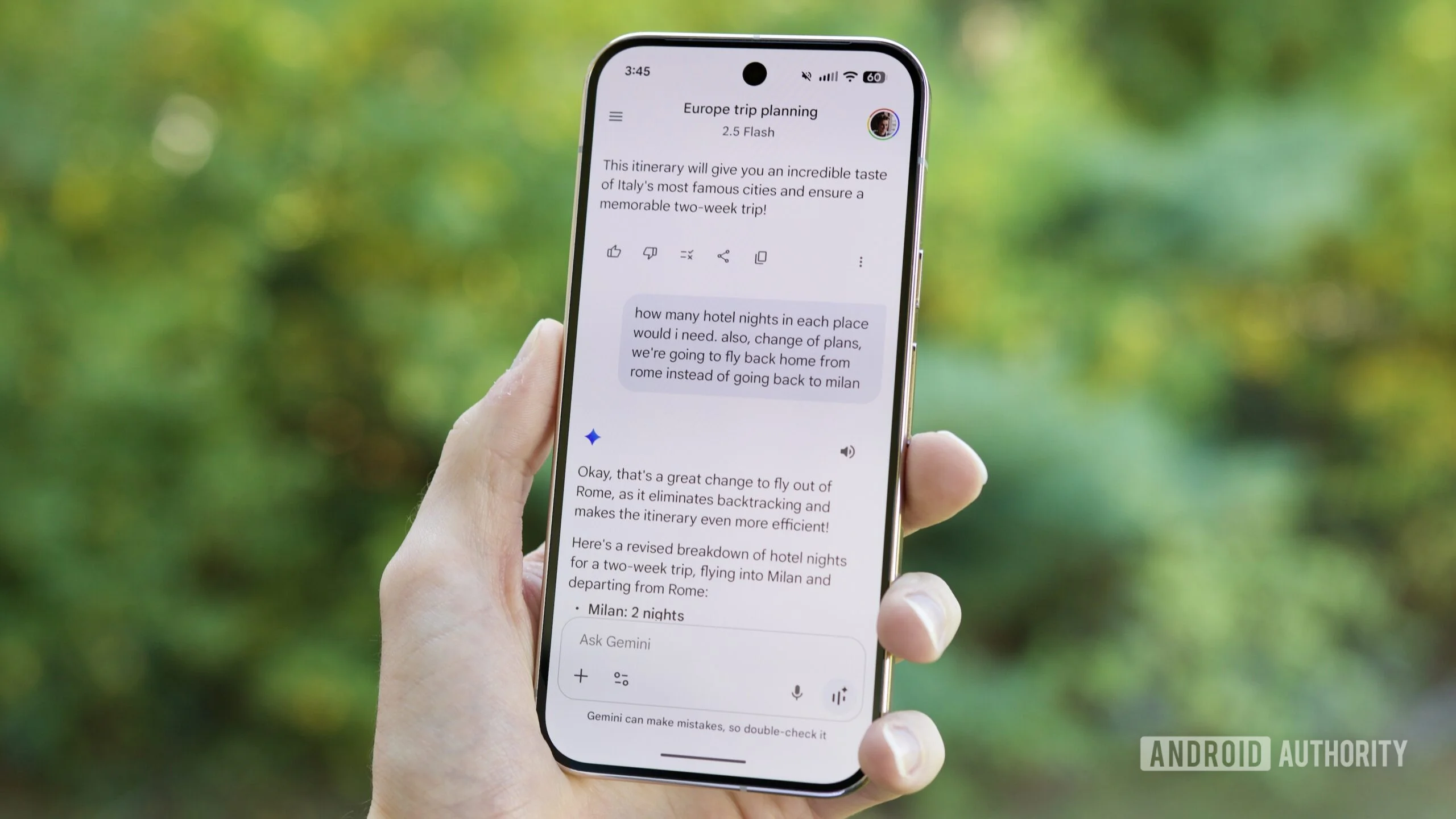
- Evidence suggests Google is experimenting with a sidebar implementation for its Gemini Android application that mirrors the desktop web experience, incorporating a consolidated "Settings & help" navigation menu.
- The model selection interface appears poised for relocation from its current position within the text input area to the application's top header bar, streamlining the user interface.
- Extension highlighting behavior may undergo refinement, with forthcoming builds potentially emphasizing the most recently activated extension rather than displaying all active extensions equally.
Recent developments in Google's beta testing pipeline reveal an accelerating convergence between Gemini's mobile and desktop experiences. Following our discovery last week of a standalone Settings entry appearing in Gemini's sidebar navigation—echoing the desktop web interface's organizational structure—this week's Google app v17.11.54 beta release indicates Google is pursuing a comprehensive interface unification strategy, effectively transplanting the web UI paradigm directly into the native Android application.
Google could copy part of Gemini's web interface to the Android app
Google's AI assistant Gemini currently operates across two distinct platforms: a dedicated Android application built atop the Google app framework, and a browser-accessible web interface. While the native mobile app represents the primary touchpoint for most Android users, those who've established workflows around the desktop web experience—particularly users transitioning between PC and mobile environments—may find compelling reasons to maintain consistency by accessing Gemini's web interface on their mobile devices as well.